

Sell digital products
Not everything you sell ships in a box. CIQRA supports digital products — e-books, templates, downloads — where the buyer receives a file instead of a parcel. A product’s type is what tells CIQRA which kind it is.
Choose the Digital type
Section titled “Choose the Digital type”On a product’s Details tab, the Type control sets whether the product is Physical or Digital. The form spells out the difference right there: digital products are delivered electronically.
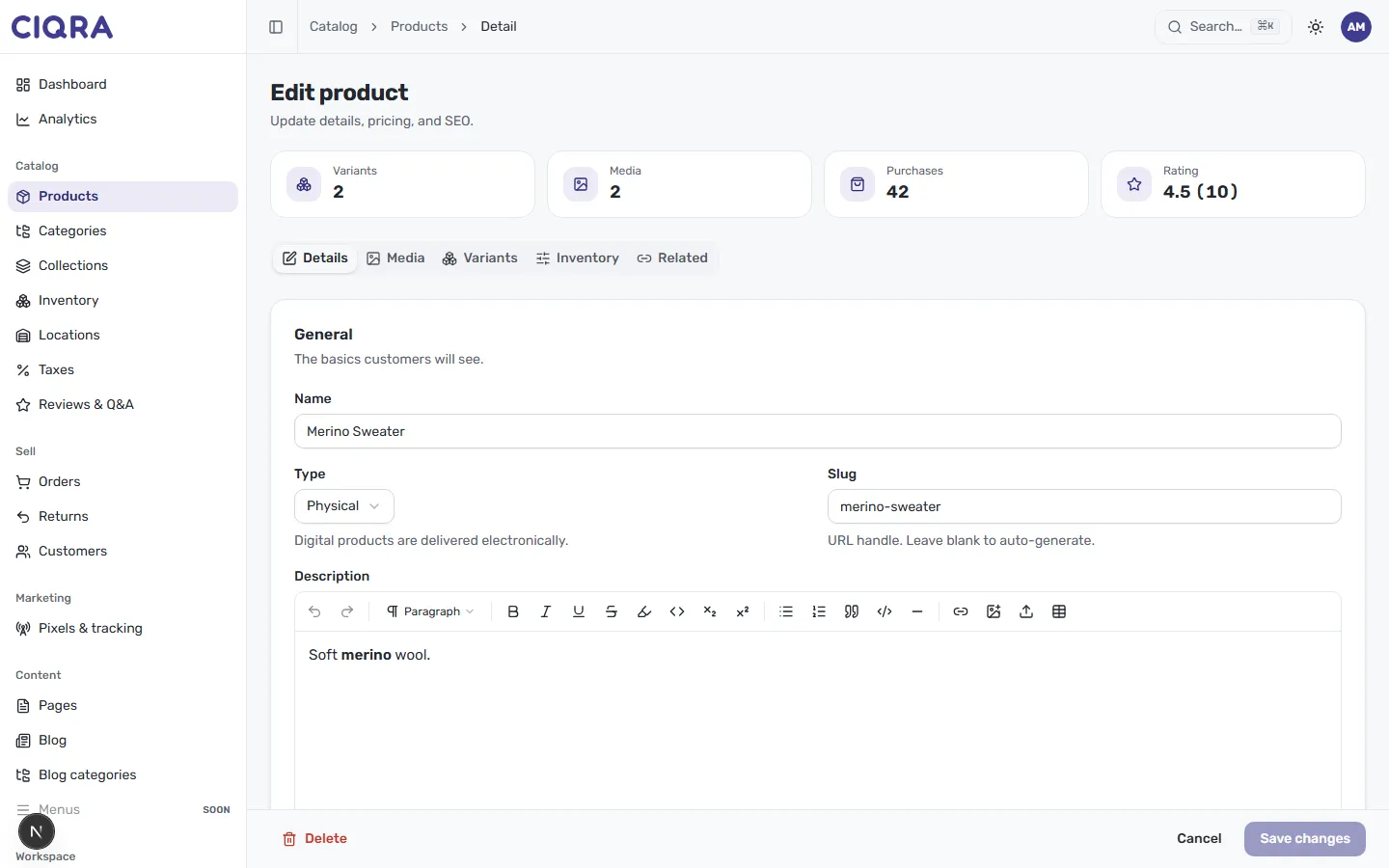
Set Type to Digital and save. In your Products list, the product then shows a Digital label under its name (physical products show Physical), so you can tell your download products apart at a glance.
Attach the deliverable
Section titled “Attach the deliverable”Once a product is Digital, an extra Digital tab appears in its editor for managing the files buyers receive. There you upload one or more deliverables — the files a customer downloads after buying — and can remove them later. As the panel explains, these are the files buyers download after purchase, and delivery is handled at checkout.
How delivery works
Section titled “How delivery works”Digital delivery is handled by CIQRA at checkout — you attach the file to the product, and the platform gets it to the buyer as part of completing the order. You don’t email files by hand.
Things to keep in mind
Section titled “Things to keep in mind”- A digital product still uses variants for price — even a single-download product carries one variant that holds its price. See Product options and variants.
- Inventory matters less for a pure download, but the product still follows the same status rules — it must be Active to sell. See Publish, schedule, and status.
- Give the product a clear description and media just like a physical item — shoppers still need to understand what they’re buying.