

Duplicate a product
When a new product is close to one you already sell — same shape, different color or size run — it’s faster to copy the original than to rebuild it. CIQRA can duplicate a product for you as a starting point.
Duplicate from the list
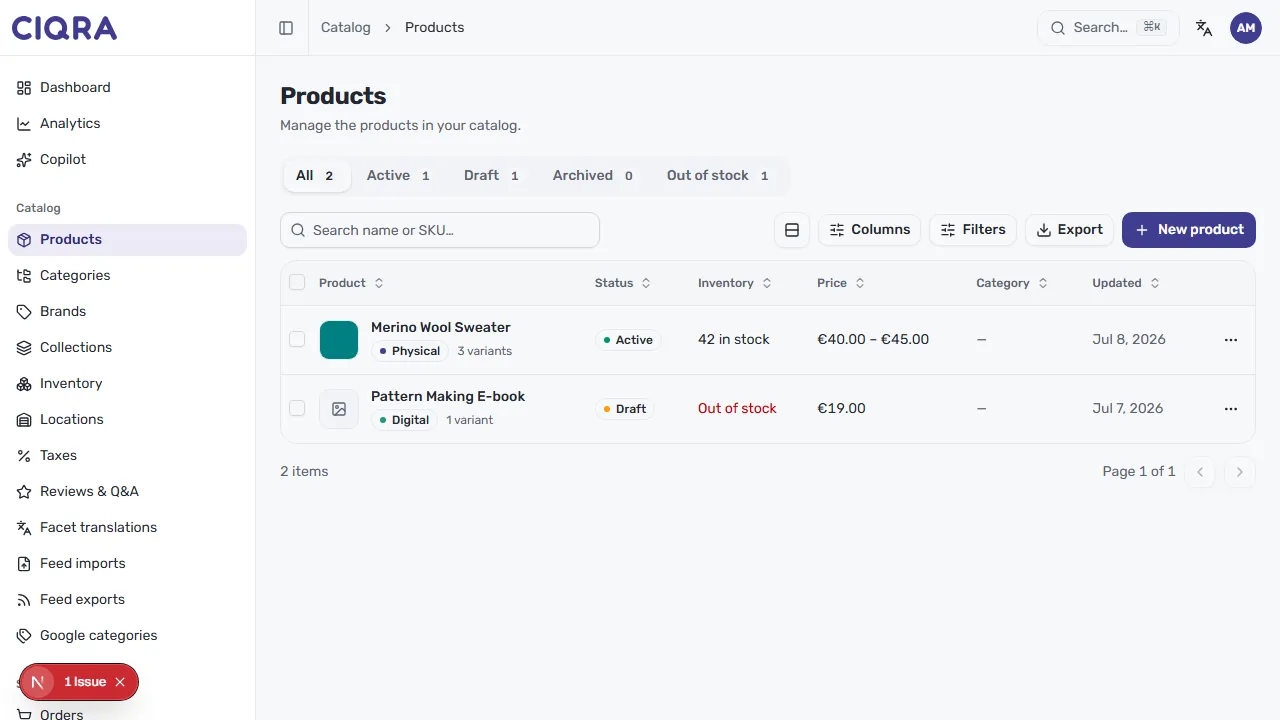
Section titled “Duplicate from the list”In the Products list, each row ends with a ⋯ (more actions) button. Open it and choose Duplicate. CIQRA makes a copy of the product and adds it to your catalog as a draft, so it won’t appear on your storefront until you’re ready.
Finish the copy
Section titled “Finish the copy”The duplicate lands as a Draft, which is exactly where you want to start:
- Open the new draft from the list.
- Change the name so it’s clearly the new product, and adjust the slug (or clear it to auto-generate a fresh one from the new name).
- Update variants, price, media, and description for what’s actually different.
- When it’s ready, set it to Active — see Publish, schedule, and status.