

Customer tags and segments
Tags are short labels you attach to a customer to group them however makes sense for your store — your best buyers, wholesale accounts, people to follow up with. They’re the simplest way to bring a bit of structure to your customer list.
Tag a customer
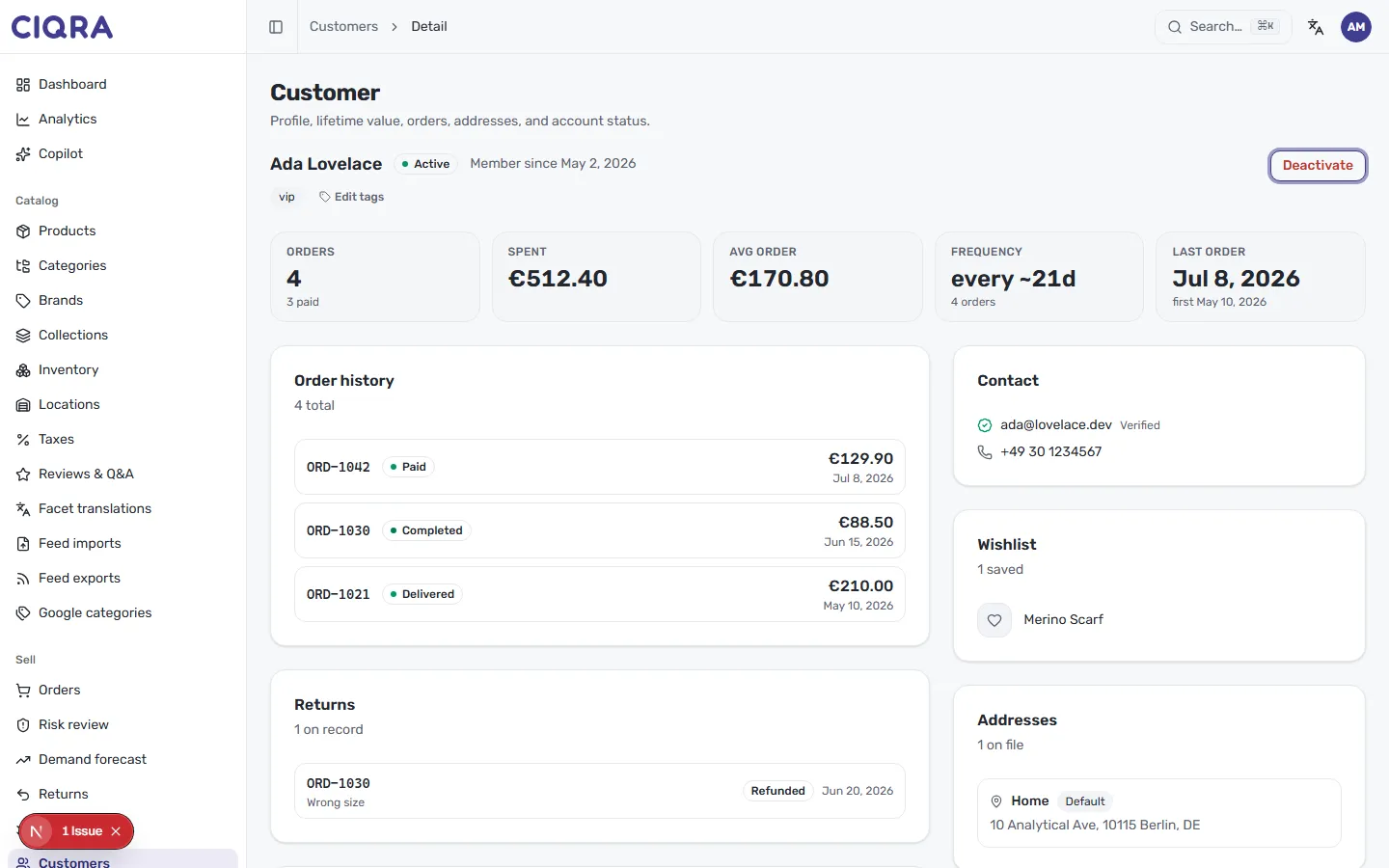
Section titled “Tag a customer”On a customer’s profile, just below their name, you’ll find their tags with an Edit tags control. In the example, the customer carries a vip tag. Select Edit tags to add a new label or remove one you no longer need.
A tag is just a word or short phrase you choose — for example, vip, wholesale,
newsletter or follow-up. Keeping your tags short and consistent makes them far more
useful later.
Thinking in segments
Section titled “Thinking in segments”A segment is simply a group of customers who share something — the same tag, a similar buying pattern, or a shared trait. Tags are how you build segments by hand: tag everyone who belongs in a group with the same label, and that label becomes the group.
Common ways stores use tags to segment:
- vip for high-value or loyal customers you want to look after.
- wholesale or b2b to tell business buyers apart from retail shoppers.
- follow-up for people you owe a reply or a check-in.
Deciding who belongs where is easier once you can read a customer’s value and activity — see Order and return history for the summary tiles that tell you who your best customers really are.