

Create your account & sign in
Signing in to CIQRA takes you through a secure, two-step sign-in. Your password and two-step (2FA) code are entered on a dedicated CIQRA identity page — never on the store itself — so your admin stays protected.
Sign in step by step
Section titled “Sign in step by step”-
Open your admin. Go to your store’s admin URL in your browser.
-
Select Continue to sign in. You’ll see the sign-in card below.
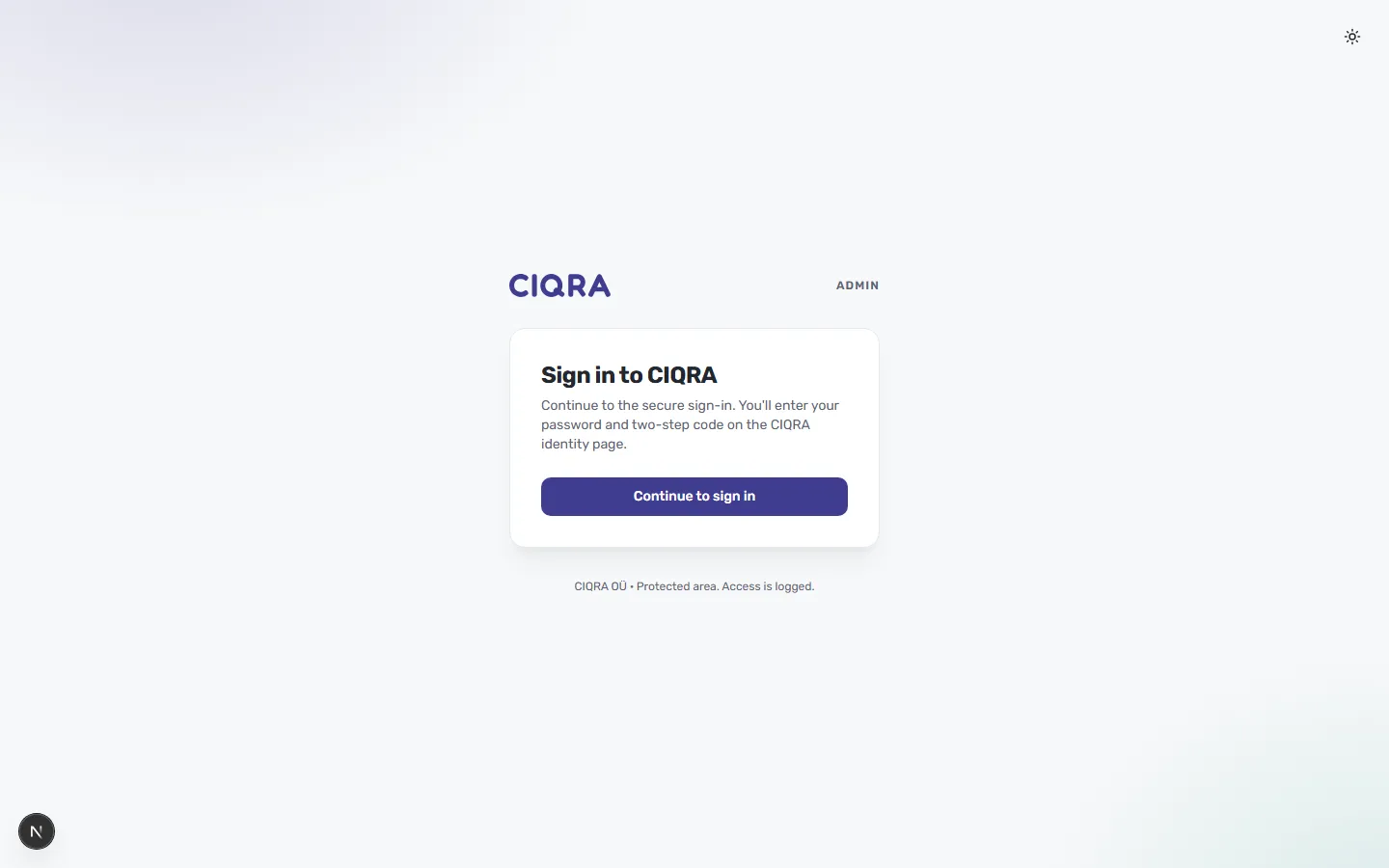
-
Verify your identity. On the CIQRA identity page, enter your password and the two-step verification code from your authenticator app.
-
You’re in. After verification, you land on your dashboard.
Trouble signing in?
Section titled “Trouble signing in?”- Lost your two-step device? Contact your workspace owner or CIQRA support to recover access — for security, codes can’t be bypassed.
- Not sure you have an account yet? Your CIQRA account is created when your store is
set up. See Set up your store.